HOW TO USE X2VOL
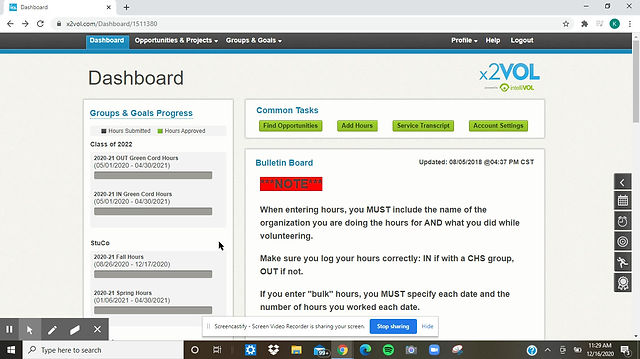
When volunteering, it is important to keep track of your hours. X2Vol is the main way to do so. Here, written steps show you how to open an X2vol account and log in hours.
How to Join Interact Club x2vol:
1. Go to x2vol.com
2. Select "Join" if you are a new member
3. Select "complete registration" in the box that is titles "x2vol Account With Your School"
4. Search 76248 in the search bar and select Central High School
5. Fill out the information asked
6. After filling out your information, you will be redirected back to the login page. You may now login.
7. Select "Groups and Goals" followed by "My Groups and Goals"
8. Then select "Join Groups" and choose Interact. We will verify you and you will be able to log your points.
9. Congrats! You did it!
How to Log Hours on x2vol:
1. Select “Opportunities and Projects” then “My activity log” and finally “Create New”
2. Fill out the page
Under “Project Description” write a sentence or two describing who you helped and what you did
Make sure the activity contact is the person you helped (activity contact must verify your hours before we can)
MAKE SURE YOU TYPE IN THE CORRECT EMAIL FOR THE ACTIVITY CONTACT!
3. Apply Hours to Goals to ONE box that is applicable (Interact)
4. If you messed up on any part after submitting hours, you can go back to “My Activity Log” and “Edit Entry,” but remember you can’t edit your Activity Contact’s information and email after submitting it.